
How to change MySQL root password?
Steps by Step
-
Open MySQL Command Line Client
-
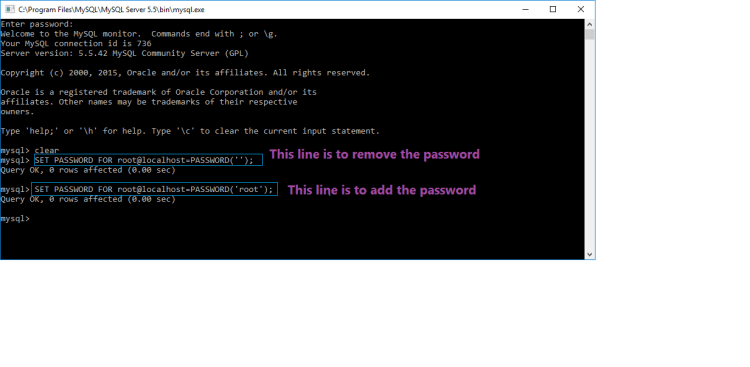
To remove a password SET PASSWORD FOR root@localhost=PASSWORD(”);
- To add a password SET PASSWORD FOR root@localhost=PASSWORD(‘root’);
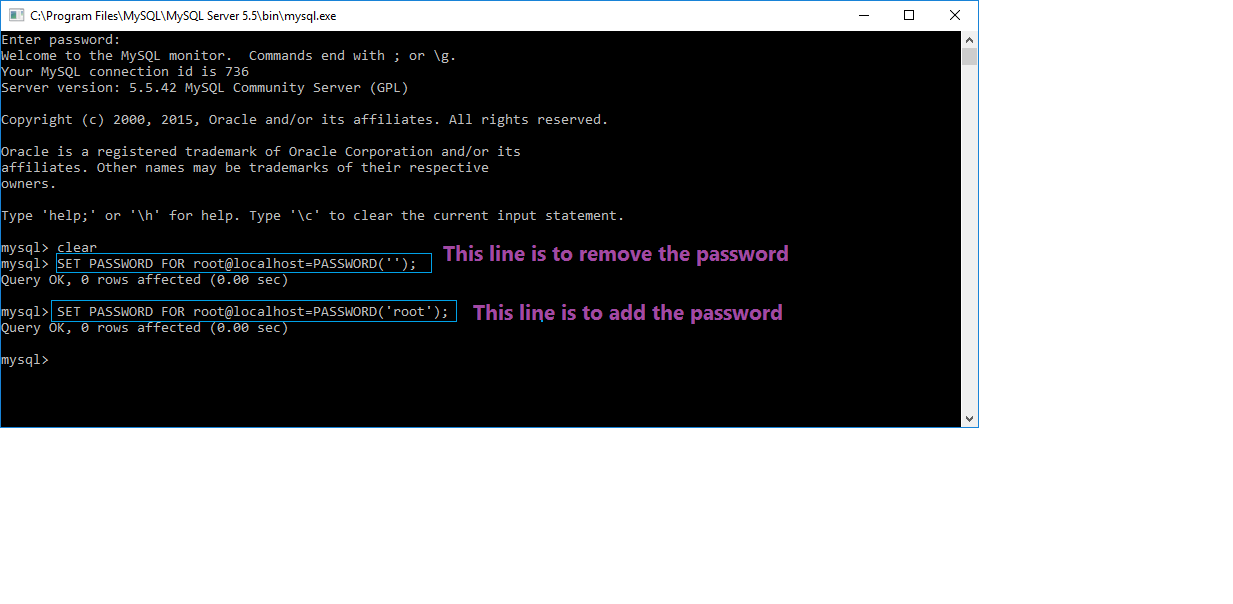
- Demo image is below
Software Engineer, Blogger, View more posts

 Arjun's Blog