(adsbygoogle = window.adsbygoogle || []).push({ google_ad_client: “ca-pub-9111247652808147”, enable_page_level_ads: true });
Google Publisher Toolbar
To use the Google Publisher Toolbar you’ll need to install it and allow it access to the Google Account associated with your account.
- Browse to the Google Publisher Toolbar (by Google) page.
- Click Add to Chrome.
- In the dialog that appears, click Add Extension. The Google Publisher Toolbar icon
is added to the top right of your browser.
- Click the Google Publisher Toolbar icon.
- Click Allow to grant the Google Publisher Toolbar access to your account.
- Sign in to the Google Account associated with your account.
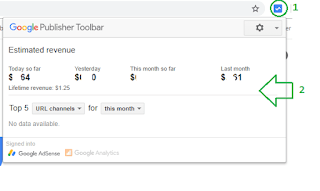
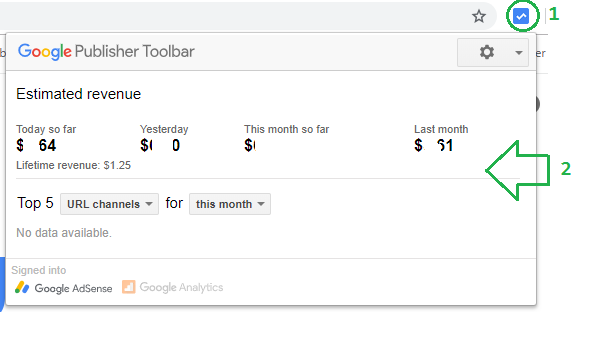
From your Chrome window, click the icon in the top right of your browser to view account performance.
 Arjun's Blog